As the best Freelance Digital Marketer in Alappuzha, visuals are everything.
When I design campaigns, I need clean, catchy posters that stand out fast — without spending hours in complex design tools. Over time, I’ve built a smart AI-powered poster workflow that goes from idea to final design in minutes.
No design degree. No expensive software. Just a clear process.
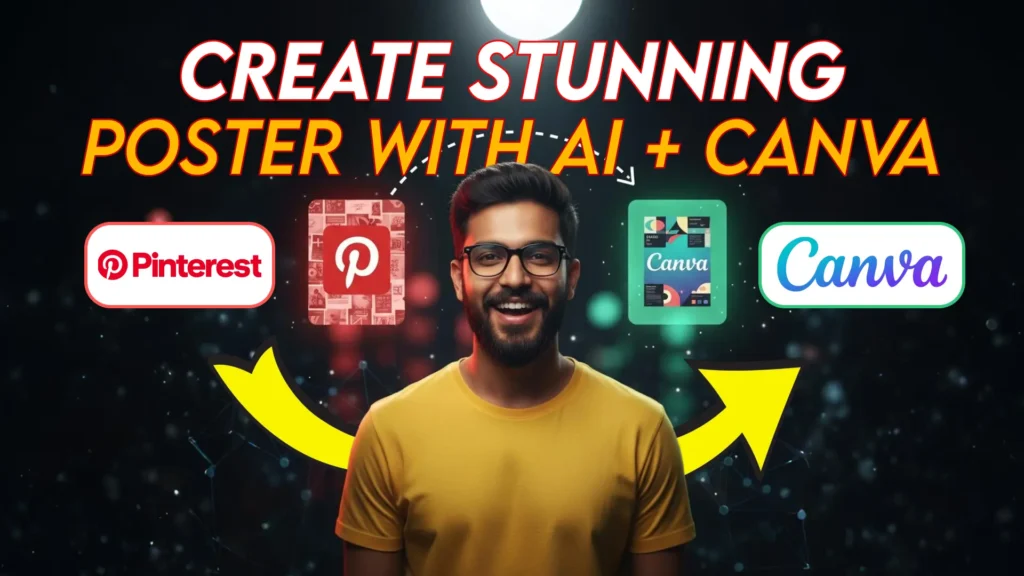
In this post, I’ll show you exactly how I create posters from scratch using Pinterest, AI prompt tools, and Canva — step by step.
Step 1: Get Inspiration from Pinterest
Every poster begins with inspiration.
I start by browsing Pinterest for trending poster designs. I’m not looking to copy — I’m looking for layouts, shapes, colors, and composition that catch my eye.
I focus on:
- Clean, minimalist layouts
- Trendy fonts and bold shapes
- Unique background patterns
- Modern color combinations
Once I find a design that inspires me, I save and download it. This becomes my creative blueprint for the next step.
💡 Pro Tip: Never copy a design exactly. Use it as a foundation to build something unique and original.
Step 2: Convert the Image to a Prompt
Now it’s time to turn that inspiration into something I can build on.
I upload the image to an image-to-prompt generator.
This tool translates the poster’s visual elements into a descriptive AI prompt, stripping away text and focusing only on layout, shapes, and colors.
My go-to prompt:
“Describe this poster design without text. Focus on layout, shapes, and color palette. Ignore all typography.”
The result? A clean, structured AI prompt ready to generate a base design.
🎯 Why this matters: I separate the design structure from the messaging, which gives me more control over the final poster.
Step 3: Generate the Poster Background with AI
Next, I take the prompt into Nano Banana or LLM Arena.
These tools transform the text prompt into a high-quality poster background image — no text, no extra elements. Just a beautifully structured base.
Why I love this step:
- I can experiment with multiple design variations
- The background looks professional instantly
- I have the flexibility to add my own text and branding
🪄 Bonus Tip: Slightly tweak the prompt to test different moods — minimal, retro, luxury, or futuristic.
Step 4: Add Text and Branding in Canva
Once I’ve generated the background, I upload it to Canva.
This is where the magic happens. I start adding:
- Headline or event title
- Brand logos and icons
- Taglines or offers
- QR codes or contact details
Because the background already has a solid structure, I can focus on typography and message clarity. Canva makes it effortless to align elements, adjust colors, and maintain consistency.
✅ Result: A polished, professional poster that’s campaign-ready in less than 30 minutes.
Step 5: Export and Use Anywhere
Before exporting, I double-check the spacing, font size, and readability. Then I download the design in the required format — PNG, JPG, or PDF.
Where I use these posters:
- Social media campaigns
- Event promotions around Alappuzha
- Local business ads
- Personal branding as a Freelance Digital Marketer in Alappuzha
✨ Time saved, quality gained. That’s the beauty of this workflow.
Why This Workflow Works So Well
This process combines inspiration, AI, and Canva into a smooth, fast pipeline:
- Pinterest gives me visual direction
- Image-to-prompt generator gives me AI structure
- Nano Banana or LLM Arena gives me a clean base design
- Canva lets me personalize the message
For someone working as the No.1 Freelance Digital Marketer in Alappuzha, this is a massive time-saver — and it delivers professional results that clients love.
Final Thoughts
You don’t need to be a designer to create stunning posters.
With the right workflow, anyone can turn an idea into a campaign-ready design in minutes. Start with inspiration. Let AI handle the structure. Add your voice with text and branding.
If you’re a top Freelance Digital Marketer in Alappuzha, this strategy can help you:
- Build a recognizable brand
- Deliver campaigns faster
- Impress clients with premium visuals
🔥 Simple process. Professional results.
Medium blog : How to Create a Stunning Poster from Scratch Using AI and Canva